Art With Code
3 min read
- Tech
- Art
- p5.js
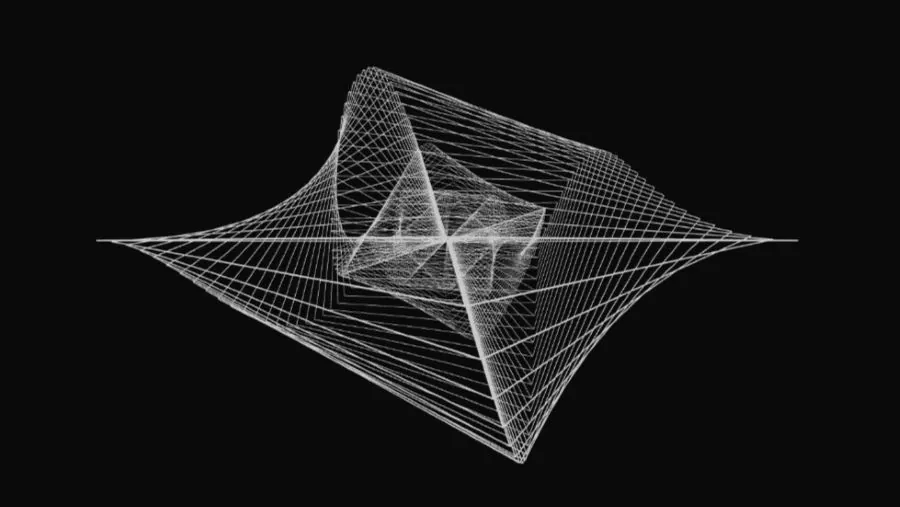
Two years ago, I thought about creating my own digital art using code, so I started experimenting with creating simple art using the JavaScript programming language. Actually, I had already tried this back when I was in college LOL, but I only used images and a few animations. This time, however, it was different because I created it entirely from scratch using only 2D shapes. One of the libraries I use most often for creating digital art is the JavaScript library p5.js. This JavaScript library is very lightweight and is specifically designed to make it easy for anyone to create art. The nice thing is that there is a code editor on the website itself, so I don’t need another code editor to create my art, whether 2D or 3D.
Through the comprehensive reference documentation on its official website, I experimented to go further and create 2D to 3D works. Interestingly, this process does not require heavy visual design software to create 2D art and perhaps simple 3D and animation, but rather purely utilizes JavaScript code to create it. However, using complex 3D and animation may make the code editor very heavy to run, but I recommend using your own code editor to run it yourself rather than from the p5.js code editor website.
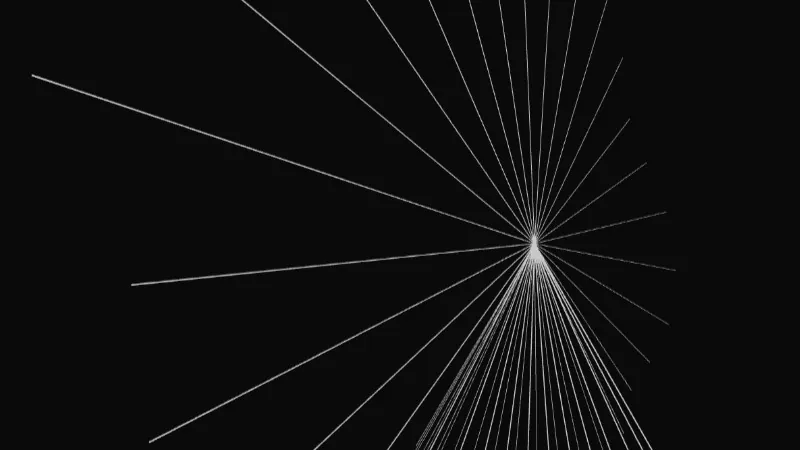
The process of creating this 3D artwork actually begins with very basic 2D geometric elements. In the documentation, there is a chapter on “geometric shapes” which contains several geometric functions such as arc(), circle(), ellipse(), line(), point(), quad(), rect(), square(), and triangle(). I composed the work using the built-in p5.js functions mentioned above, then combined them with several simple transform functions to create 3D objects that could rearrange and reposition the simple 2D objects, then rotate them on the X, Y, and Z axes. The result, in my opinion, is quite good. The initially flat shapes merge into a three-dimensional structure with volume and perspective, which shapes my perspective on digital art to take it further than what I have created so far.
//Initialize a 3D workspace using the WEBGL renderer
createCanvas(window.innerWidth, window.innerHeight, WEBGL);

//Loop to create multiple instances of the same shape
for (let i = 0; i < count_shape; i++) {
  push();
  translate(0, 0, -i * 50); //Stack each 2D shape deeper along the Z-axis
  any_shape2D(); //Render any 2D shape (arc, ellipse, etc)
  pop();
}
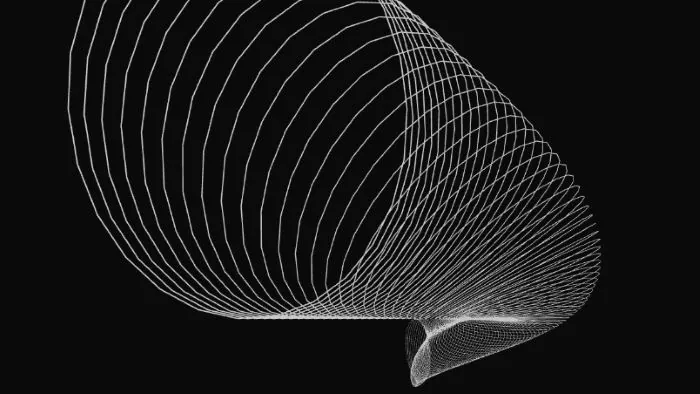
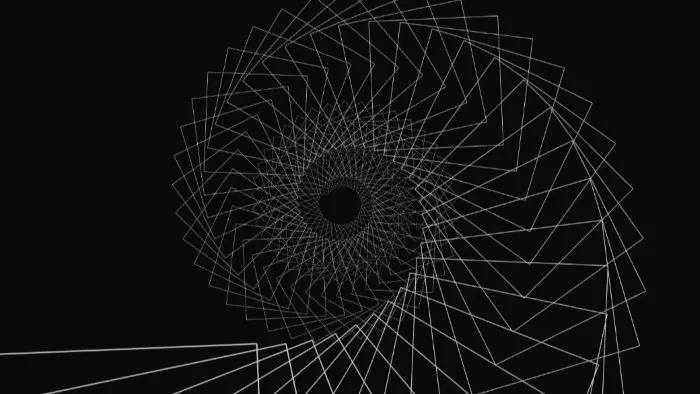
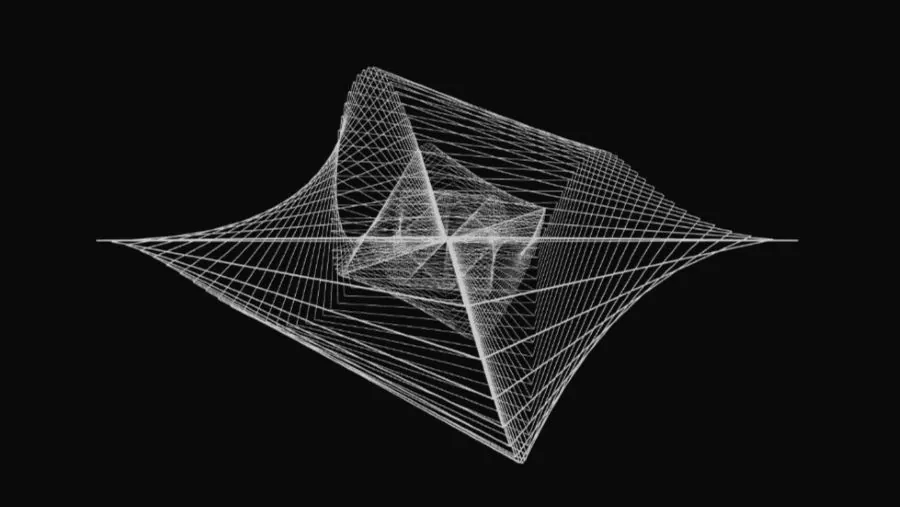
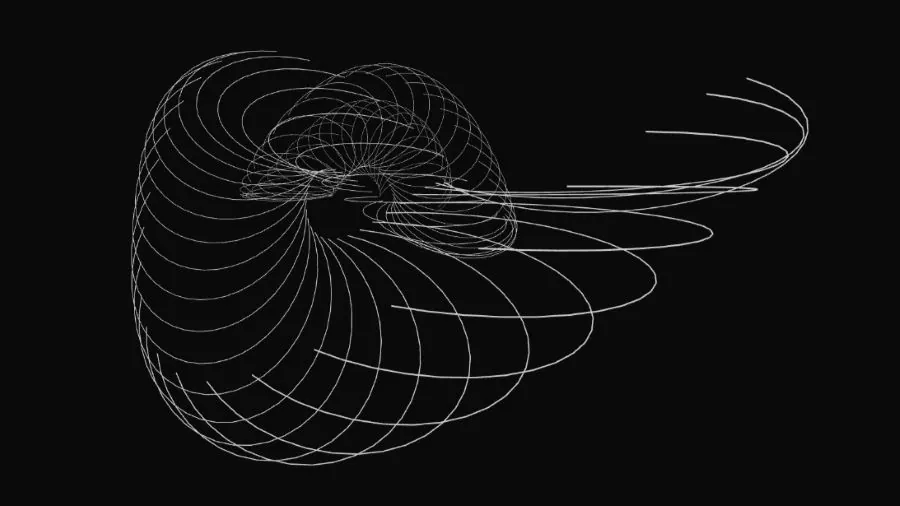
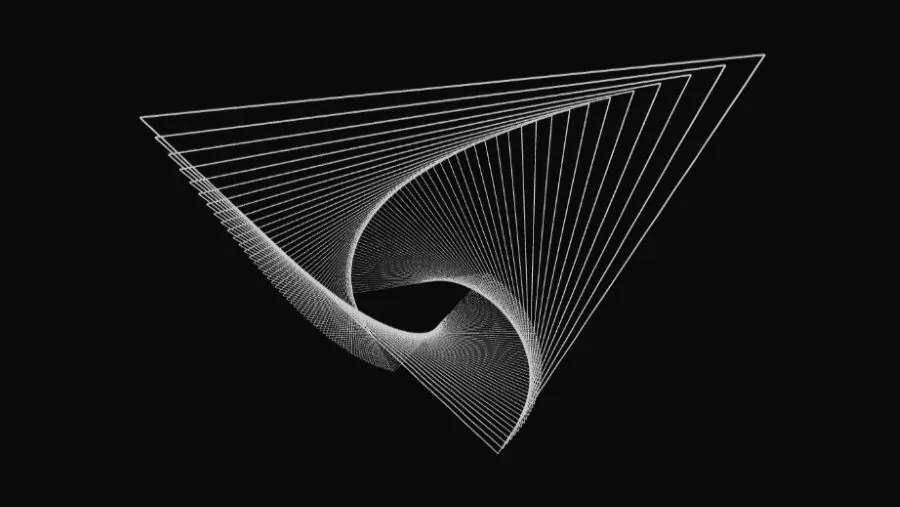
This experiment proved to me that digital art and code are not two opposing things; in fact, they can blend together beautifully to produce excellent art. Through this fun and playful project, every line of code I wrote felt like putting a brush to a digital canvas. Although it started out as just a series of text and numbers on a code editor screen, the end result was truly fascinating. This visual coding approach is highly structured, yet at the same time it gives my imagination complete freedom to play with art. And in the end, exploring the JavaScript p5.js library has become an enjoyable method, not only suitable for practicing programming logic, but also successfully serving as a medium for expressing my artistic side without limitations.
Thank you for visiting my blog. Please excuse any mistake in writing or composition, as this is my first time writing a blog ~